 ONEMIX
Create bots in 5 minutes
Open Bot API and asynchronous Python SDK: Handlers, filters, online buttons and dialogue states. Catalog of bots and mini-apps right in the chat.
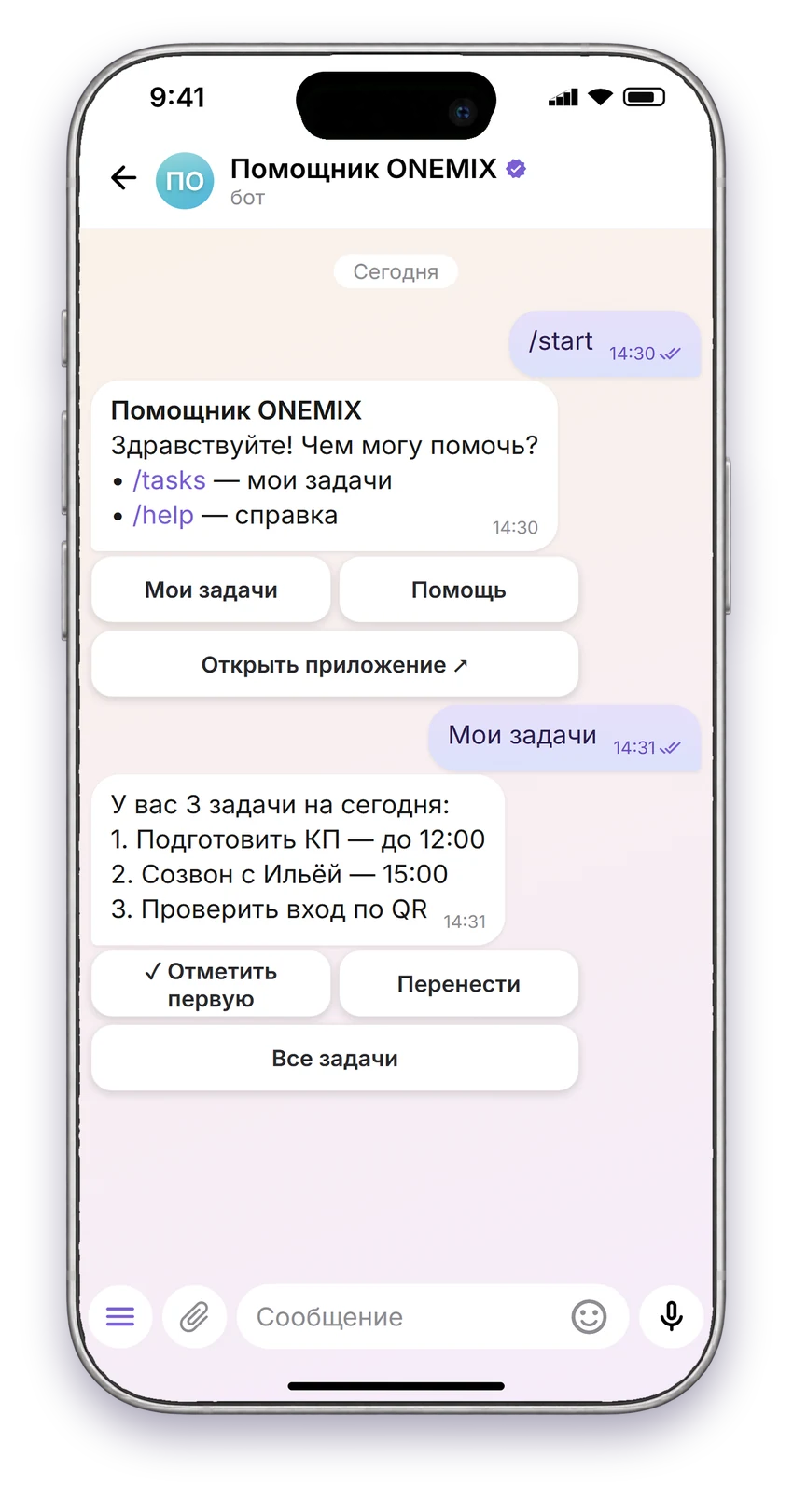
bot @shop_helper_bot created! ✓
The token is ready - /token
24 Bot API methods
• Python SDK:
pip install onemix-botDelivery <100 ms, without user limit
24 methods, Python SDK and delivery faster than 100 ms
The bot is created by a single team in @BotFather – then write logic in Python or your language through REST.
from onemix_bot import Bot, Dispatcher
from onemix_bot.filters import CommandStart

bot = Bot(token="YOUR_TOKEN")
dp = Dispatcher()

@dp.message(CommandStart())
async def start(msg):
    await msg.answer(Hello! I'm ONEMIX bot.)

@dp.message()
async def echo(msg):
    await msg.answer(msg.text)

dp.run_polling(bot)
Python Bot – in Twenty Lines
Bot + Dispatcher, handlers with filters, online buttons and FSM. The default server is api.onemix.me.
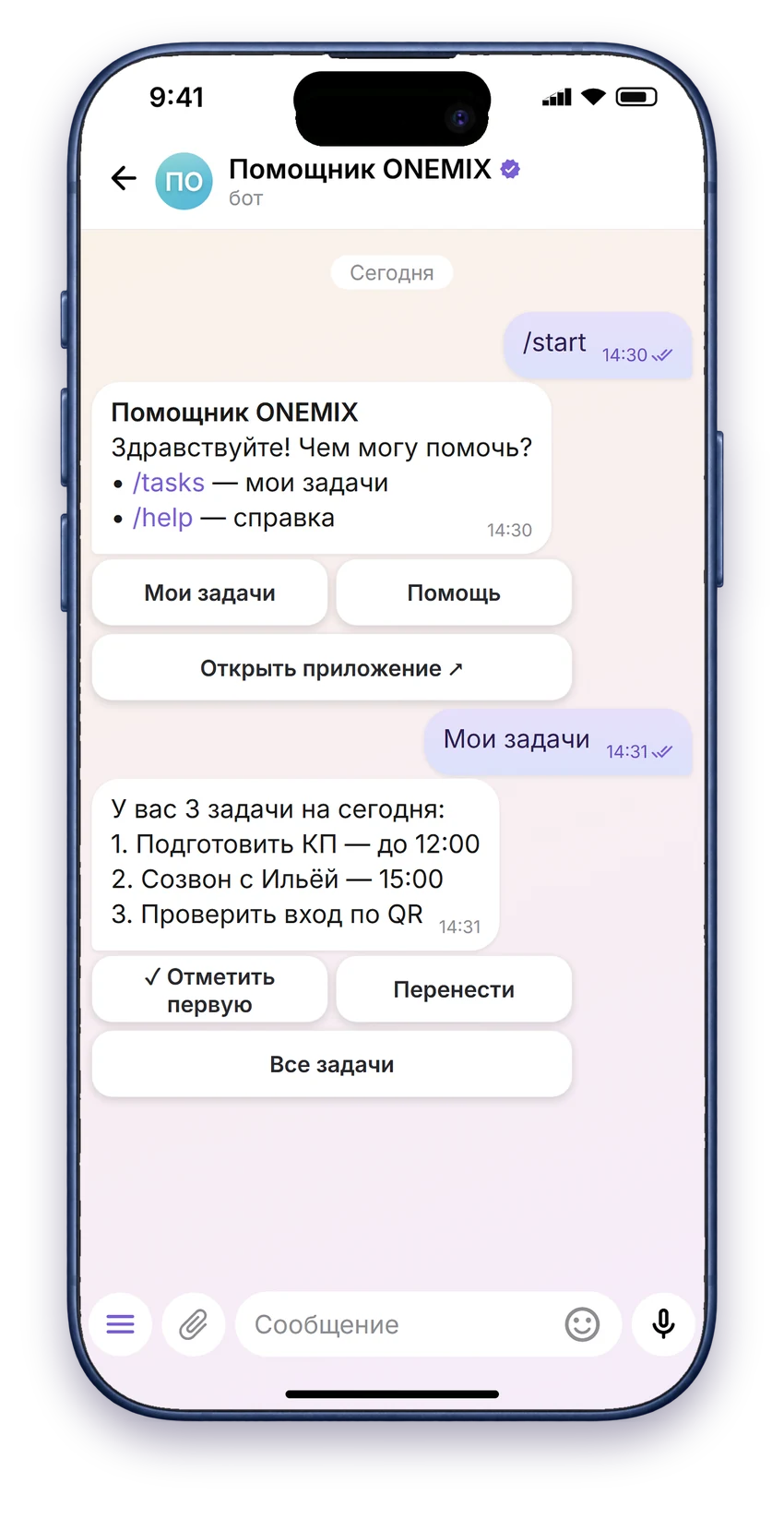
Buttons instead of keyboards
The bot shows ready-made buttons under the input field and under the message. One tap instead of a command set – buttons can open mini-applications.
Partner services directly in the chat
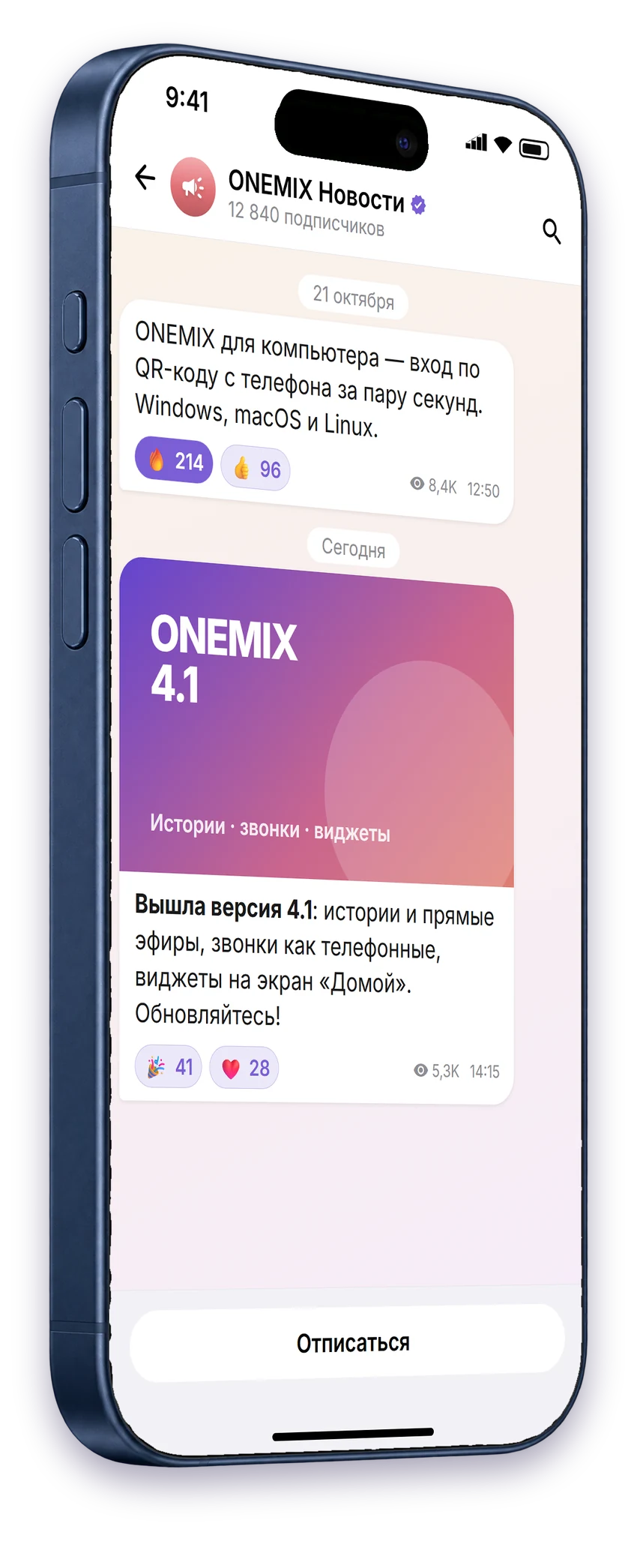
Stores, wallets, services and games open inside ONEMIX without a browser. Authorization, themes and payments work through the SDK.
Quick start.
Bot API Guidelines
From the first bot to production with webhooks.
Quick start.
Start chatting with @BotFather to ONEMIX and send /newbot - get a token. You need Python 3.8+.
pip install onemix-bot
from onemix bot import Bot, Dispatcher
from onemix bot.filters import CommandStart

# api url is optional - by default https://api.onemix.me
bot = Bot(token="YOUR BOT TOKEN")
dp = Dispatcher()

@dp.message(CommandStart())
async def handle start(message):
Wait for message.answer("Hello! I'm ONEMIX bot.

@dp.message()
async def handle message(message):
await message.answer(f "You wrote: {message.text}")

dp.run polling(bot)
BotFather Teams
/newbot - Create a bot. /mybots - List. /setname, /setdescription - design · /setcommands - Command menu. /token API token · /deletebot - remove.
Or through REST: POST /botfather/create c name, username, description, category fields. The username ends with botAt least 5 characters.
Authentication
Each Bot API request contains a token header:
Authorization: Bot YOUR_BOT_TOKEN
Sending messages
POST /bot-api/sendMessage
{
"chat id": "bot-chat-uuid,"
"text": "Hello from the bot!"
}
{"ok": true, "message id": "msg-uuid" }
Receiving updates
GET /bot-api/getUpdates?limit=100
→ {"ok": true, "result": [{"id": "msg-uuid," "bot chat id": "chat-uuid,"
"sender type": "user", "content": "/start", "user id": "user-uuid", "user name": "Ivan" } }
webhooks
Instead of long-polling updates to your server:
POST /botfather/{bot id}/webhook
{"url": "https://your server.com/webhook," "secret": "optional secret" }

DELETE /botfather/{bot id}/webhook
Commands and buttons
POST /botfather/{bot id}/commands
{"commands": [{"command": "start", "description": "launch"},
{"command": "help", "description": "help"} }
from onemix bot import InlineKeyboardBuilder
kb = InlineKeyboardBuilder()
kb.button(text="Open Site", url="https://onemix.me")
kb.button(text="Push me", callback data="hello")
kb.adjust(1)
Wait msg.answer("Choose action:", reply markup=kb.as markup())Published bots
Open a bot chat in ONEMIX or post yours through @BotFather.
Make your first bot today.
Open @BotFather in ONEMIX and send /newbot.