 ONEMIX
Learning and cooperation in the same app
The mode adds its tabs on top of the correspondence. Included in the tab “Profile”, turns off the same – contacts and chats remain in place.
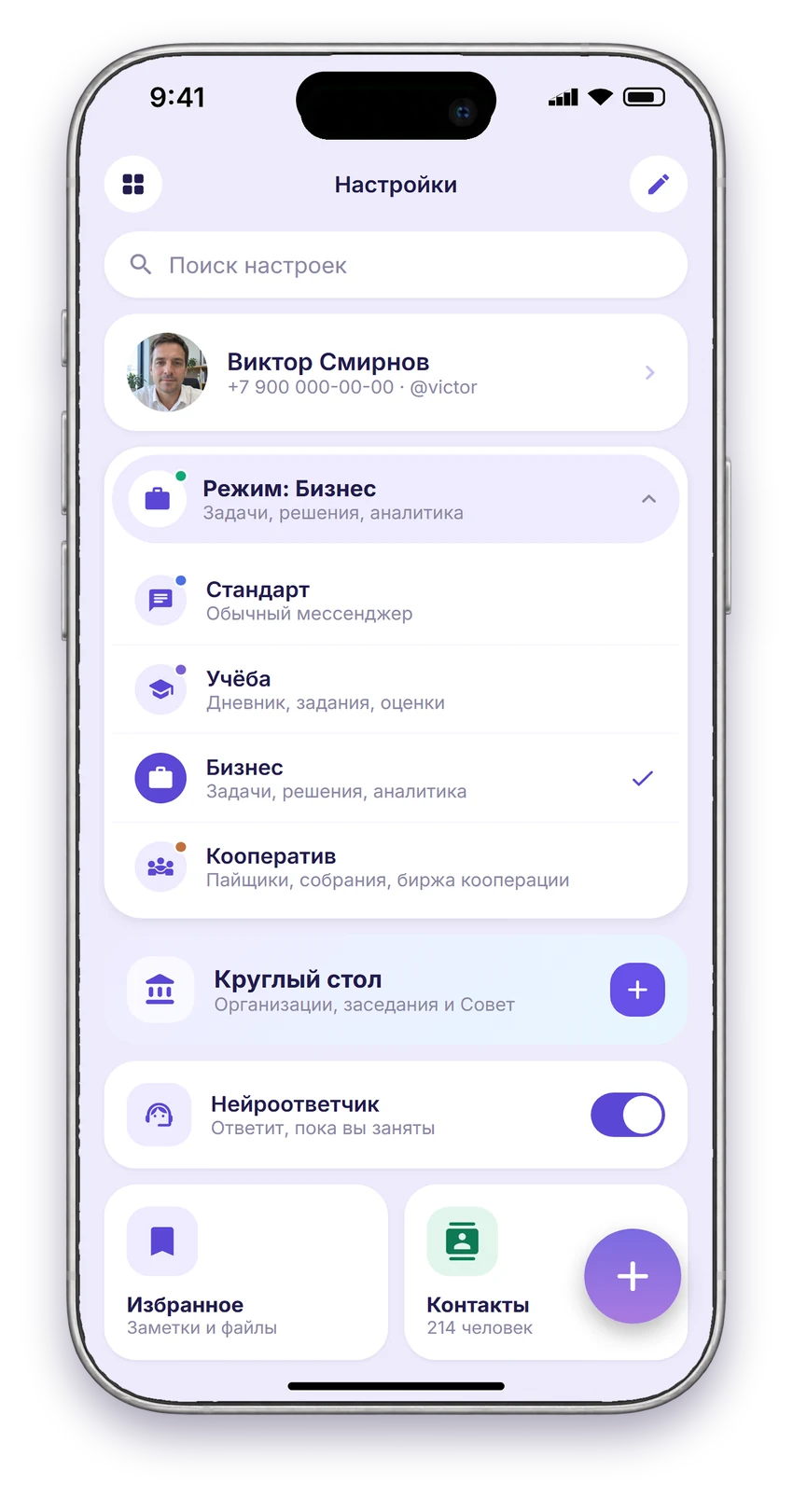
The mode is included in the Profile with one “Mode” tile. Choose which one to talk about.
Studying
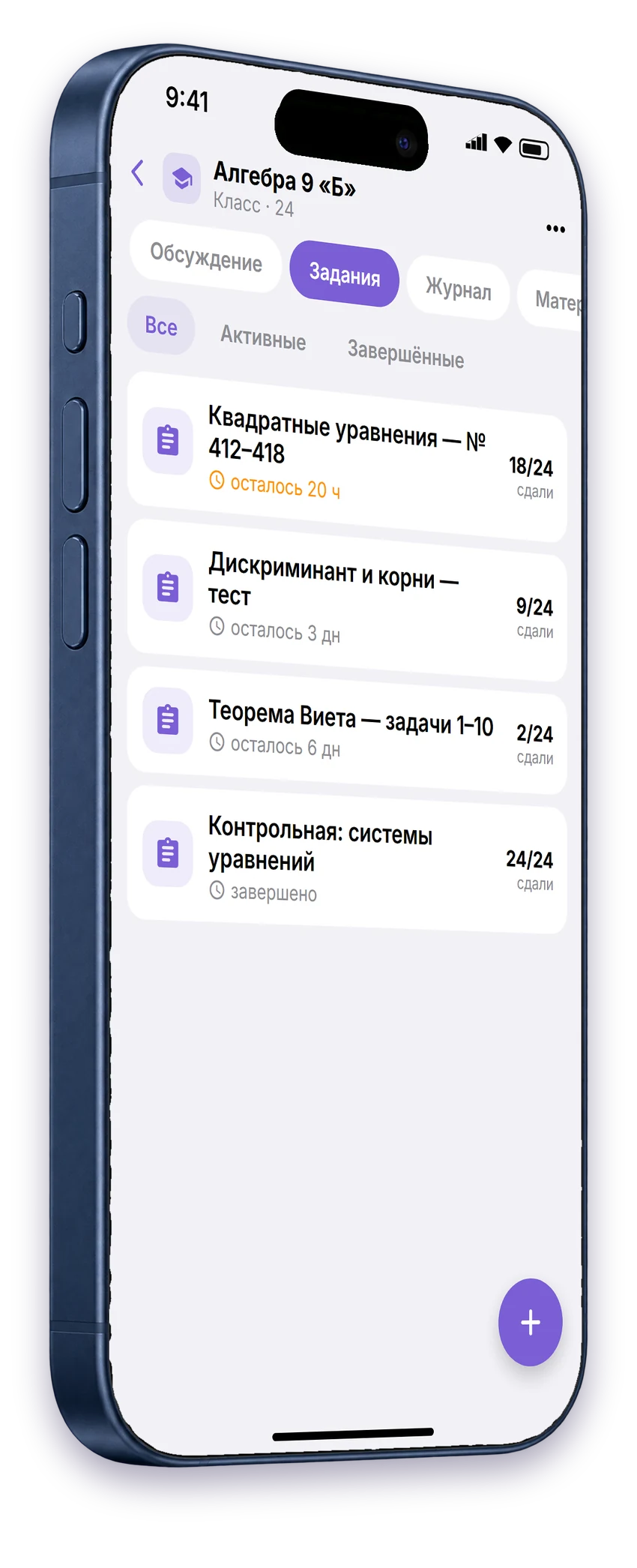
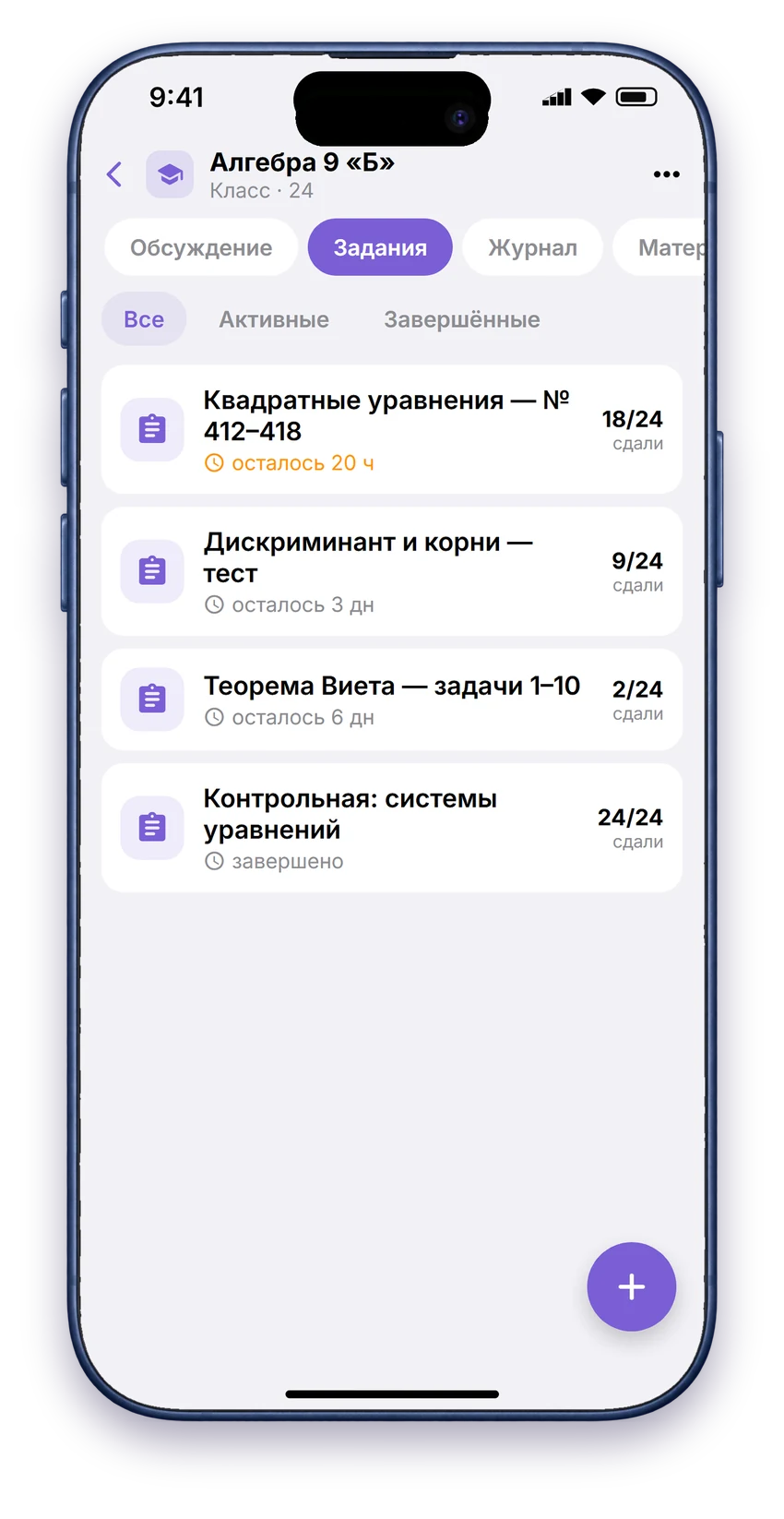
Class is a chat with tasks and grades
The teacher publishes tasks, tests, announcements and surveys directly in the classroom chat. The student submits the work, the teacher checks or sends for revision.
Homework.Delivery, verification and refinement.
Tests and surveysThe results are in chat.
AnnouncementsMarked "familiarized."
Schedule and journalClass tabs.
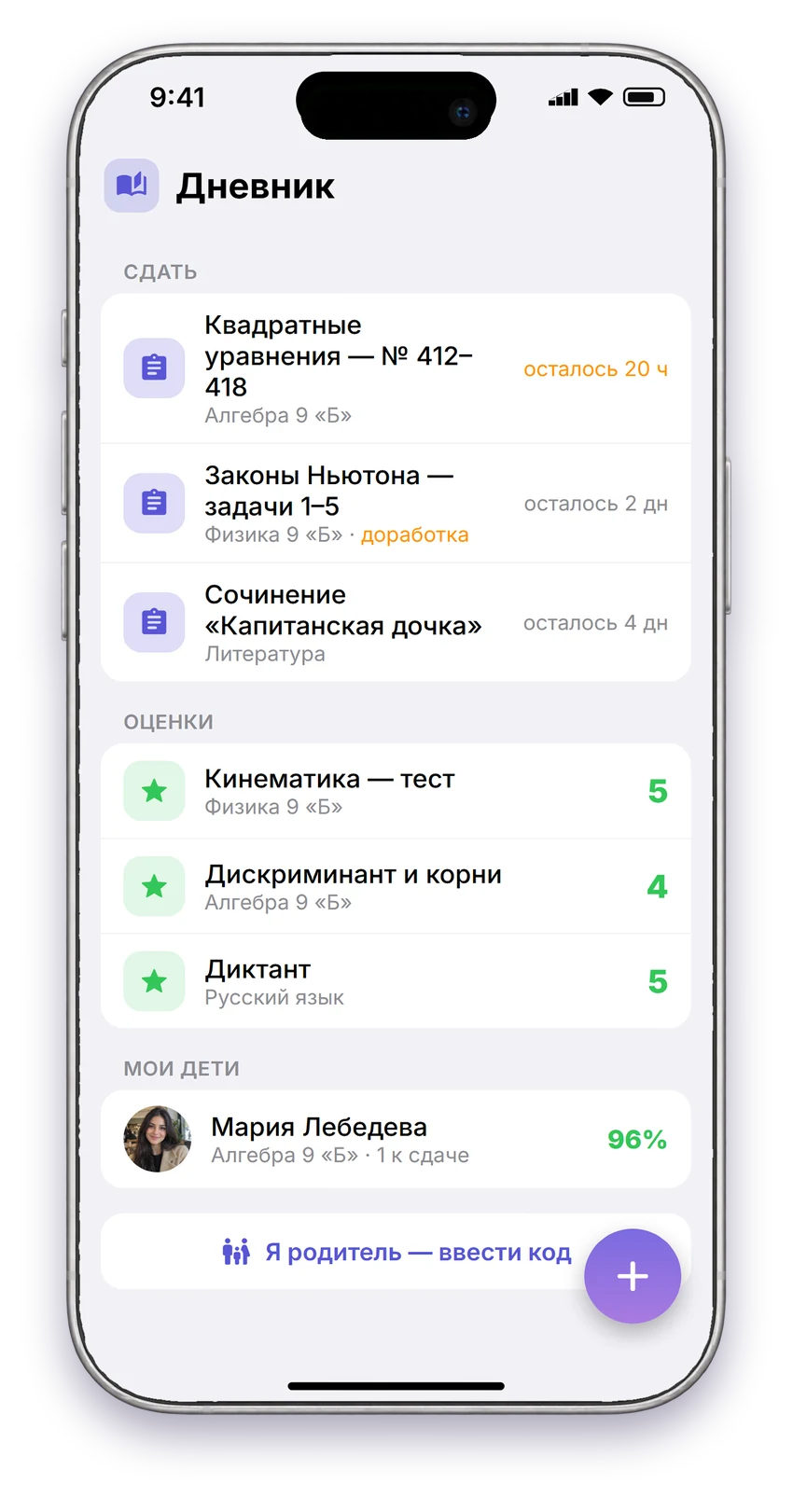
Diary.
Parents see the success of children
The journal collects everything from your classes: what to pass, what to check, new grades. The parent ties the child to the code and sees his academic performance.
Check it out.Students' work for the teacher.
Give upTimeline and refinement.
AssessmentsNew grades in subjects.
My kids.Accomplishment and what to surrender.
Cooperative
Online consumer cooperation
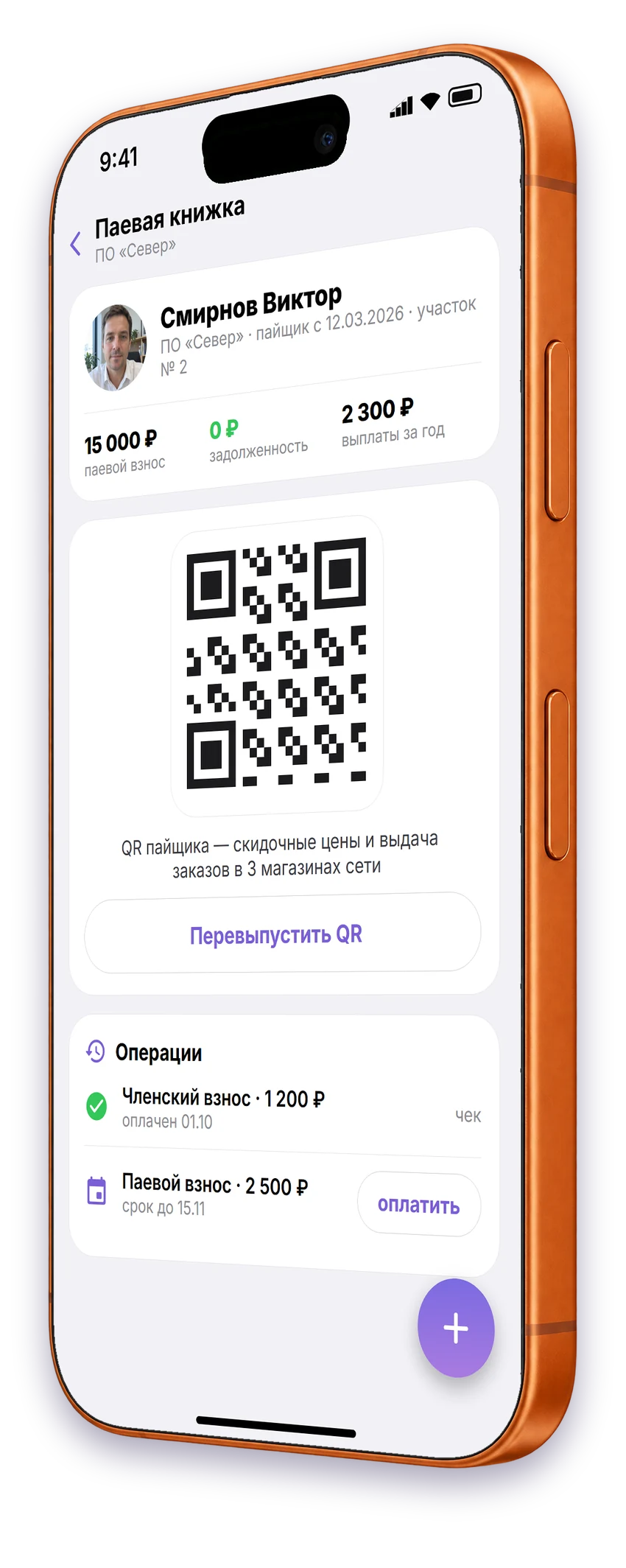
For shareholders and management: register of shareholders, share book and contributions, bodies and meetings, showcase and procurement, documents and funds.
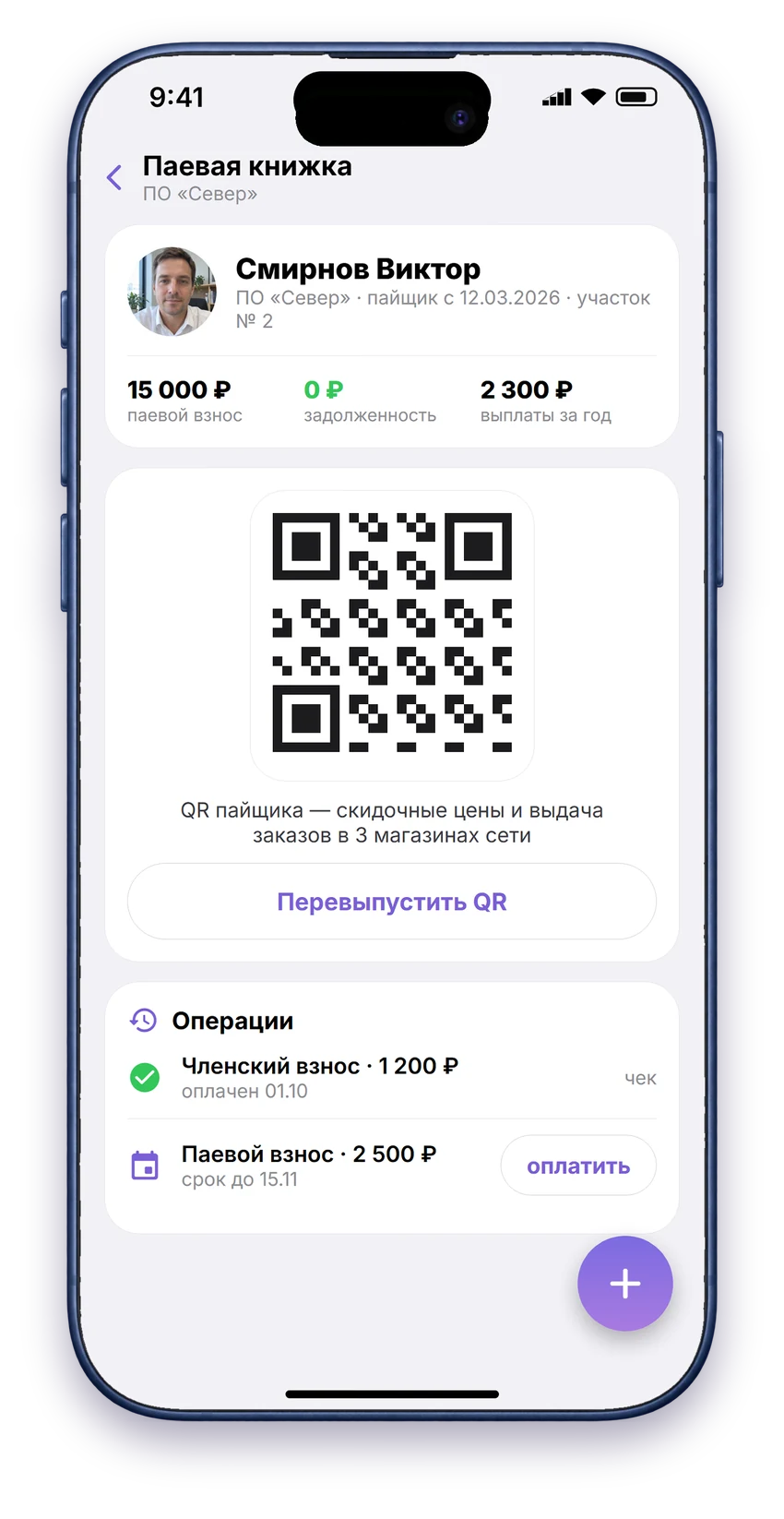
Sharing bookWith a QR and a history of contributions.
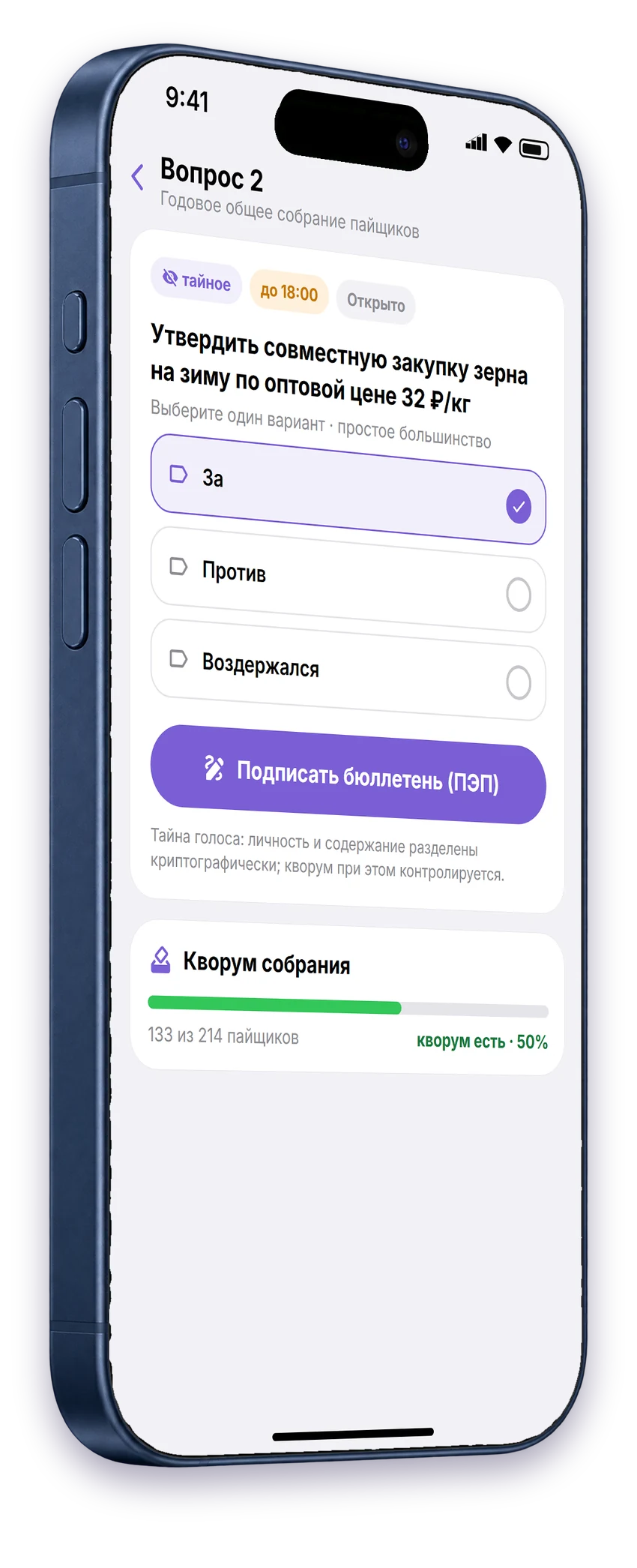
General meetingsRegistration and voting.
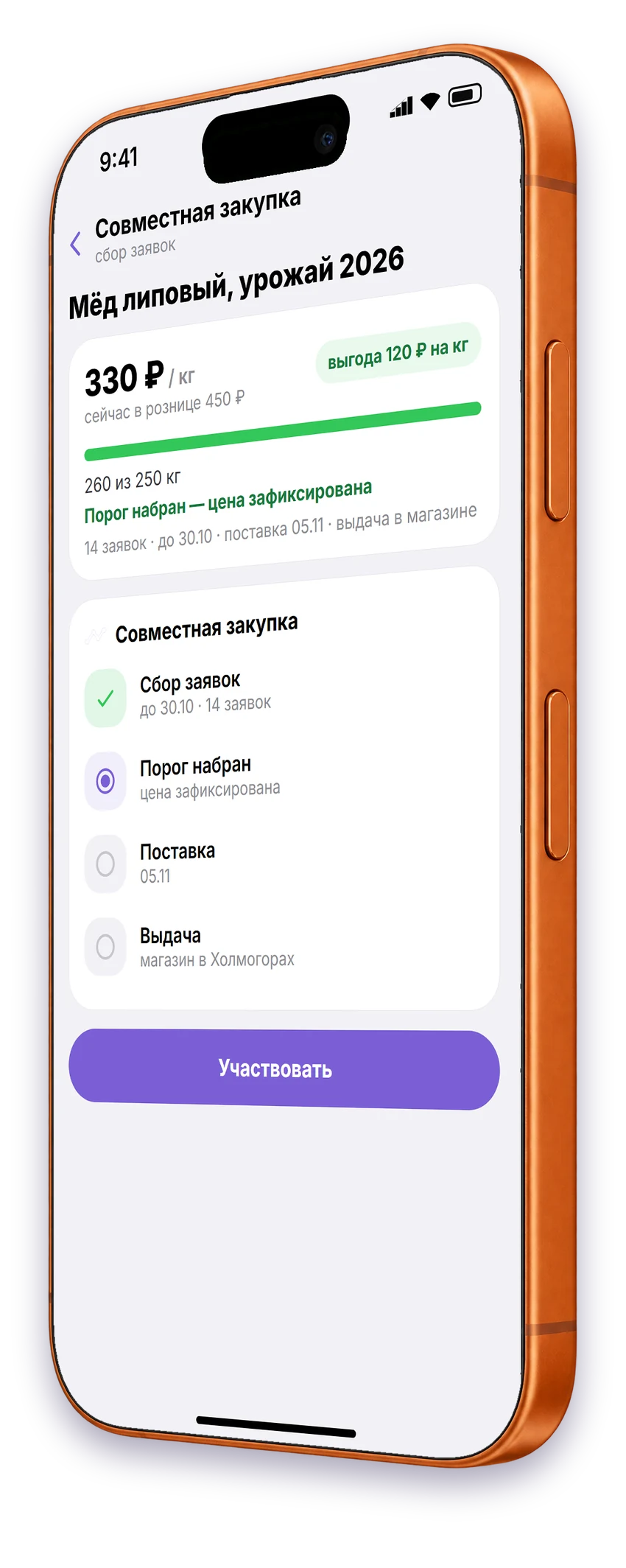
Showcase and procurementOrders and group purchases.
Documents and disputesSignature and analysis.
Frequent questions
Can I turn on two modes at once?
There is one regime at the same time. Switching - in profile, with one touch.Will the chat rooms disappear during regime change?
Nope. Correspondence and contacts remain in place, only tabs change.How to connect a school or cooperative?
Write to support@paxlive.ru - we will help set up the mode.Try modes today
Free. Profile Modes.